
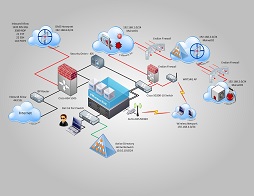
ESXi Lab
 When I first got into the technology field I recall taking classes and getting intrigued to setup my own lab. During that time I purchased physical desktop machines and a bunch of Cisco routers and firewalls so I can learn and better my skills.
Time’s changed and now with virtualization, methods to learn has become much easier. Now you will see tons of posts of people like me setting up their labs using all sorts of methods such as using a NAS with shuttle pc’s or baremetal ESXi on a Dell or HP desktop server. Every way works. I believe the main goal to building a lab is to learn the product. In my lab my intentions are to learn VMware as well as keep my skills sharp with networking and Server networking and configuring. Things I can accomplish with my lab are:
1. VMware setup and testing failovers, upgrades, etc.
2. Networking. Setting up multi-site locations.
3. Server OS: Setting up Active Directory and sites.
4. Testing
In my case I am pretty cheap so I don’t want to have a always on lab. Always on lab is probably the best way to go but i decided to save on as much power as I can and go with a nested ESXi setup using my desktop PC.
Desktop Specs:
- CPU: i7-4790K @ 4GHz
- RAM: 32GB
- Disk 1: Samsung 840 EVO 250GB
- Disk 2: Kingston 128GB SSD
- Disk 3: Microsoft Storage Pool (4x 1TB Seagate 7200RPM Spindle Drives)
….. This post is still in the works….. Will continue when I get more time 🙂

 I have to admit I love home entertainment. I guess it’s one of those things that just come hand and hand with being a IT guy. I spent a good load of time setting up entertainment just the way I want. As time progresses and technology advances I always try to keep updated with the latest if only the benefits outweighs my current setup. In most cases it does!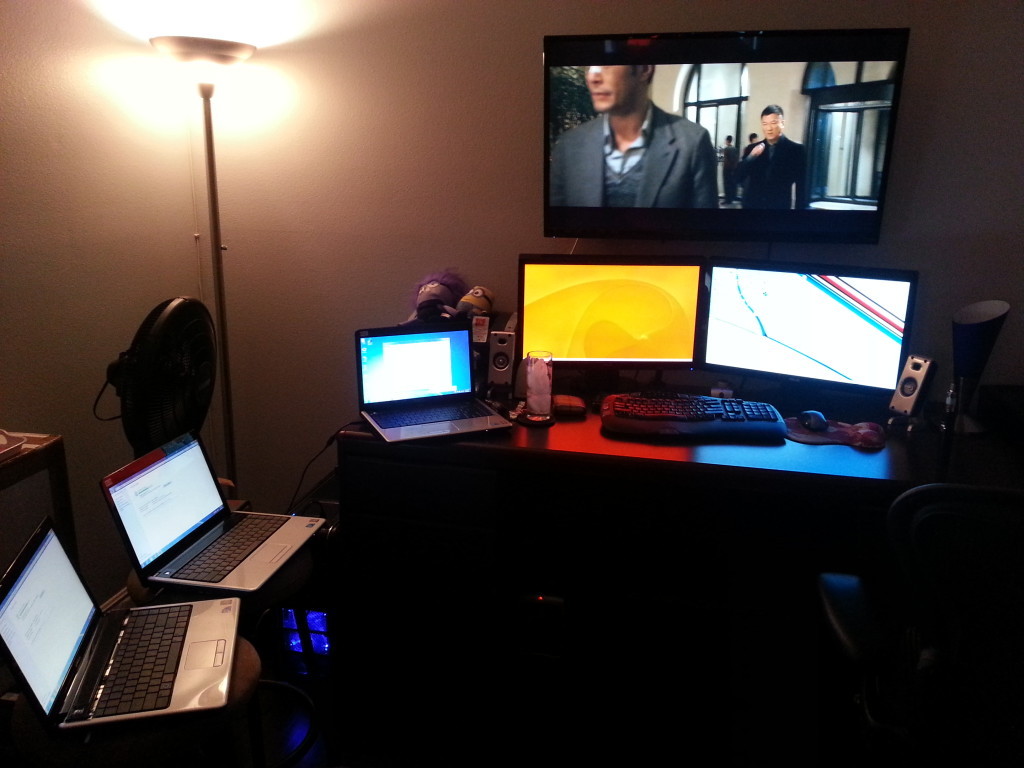
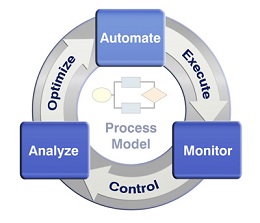
 Automation dramatically decreases the amount of work each of us IT guys can handle. Repetitive tasks calls for the need for automation. In an ideal situation we as System Admins should automate whatever we can. Once processes are automated our jobs should be to troubleshoot what broke on the automation and or to modify the automation process versus doing all the leg work the automation process takes care of. If a process cannot be automated what I like to do is to automate as much of the process I can and leave some manual work. This method is still better as it still cuts lots of time.

Recent Comments